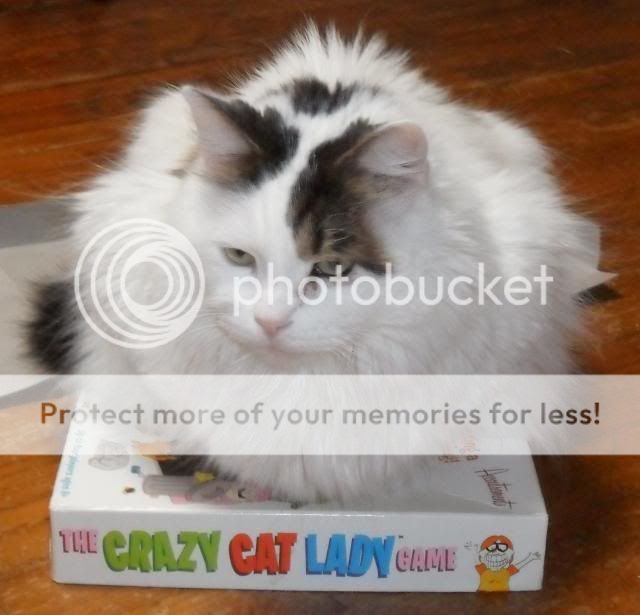


made582
MMC's Ambassador to the North Pole
MMC Lifer
MMC Donor
Christmas Crew
Louann Jeffries Award
Santa's Elf
Kringle Radio DJ
I would love to but I'm embarrased to say I am not very techy. If I can figure out how to do it I definitely will!
The easiest way to post a picture on here is sign up for a Photobucket account. Then follow these instructions.
Okay, here is the Instructions on how to post a picture from the new Photobucket website. I've also included how to resize the pictures.
To post a photo using photobucket
1. Sign in to your account on Photobucket
2. To upload a photo click on "upload". Then click on "Browse files" to find photo on your computer. Once you select files to upload click "upload" button again. (To select more than one photo, Hold down the "CTRL" button on your keyboard while selecting photos)
3. Once upload is done click on "view library". (If the picture you want to post has already been uploaded just skip to this step after you log in)
4. Double click on picture that you want to post.
5. On right hand side of page, look for the "Img code" under the Image links.
6. Move your mouse cursor over to the "Img code" until you see a hand appear.
7. Click on the code. The box should turn yellow and the word copied should pop up.
8. Go back to MMC.
9. In the post that you want to put the picture click on the right mouse button.
10. Click on the "paste" option.
11. The "Img code" should show in the post and when posted the Image will appear.
To resize an Image using a photobucket
1. After the Image has been uploaded, click on the "Edit" tab.
2. Select Image that you want to resize.
3. Click on the "Adjustment" button under the picture.
4. A bunch of buttons will pop up. Click on the one that says "resize".
5. Change the numbers in the width and height boxes to the size you want. (450 X 450 is good for MMC)
6. Click on Apply.
7. If you like the size of the picture then click on "Save and Replace" above the picture.
8. Then follow the instructions above to post the picture.